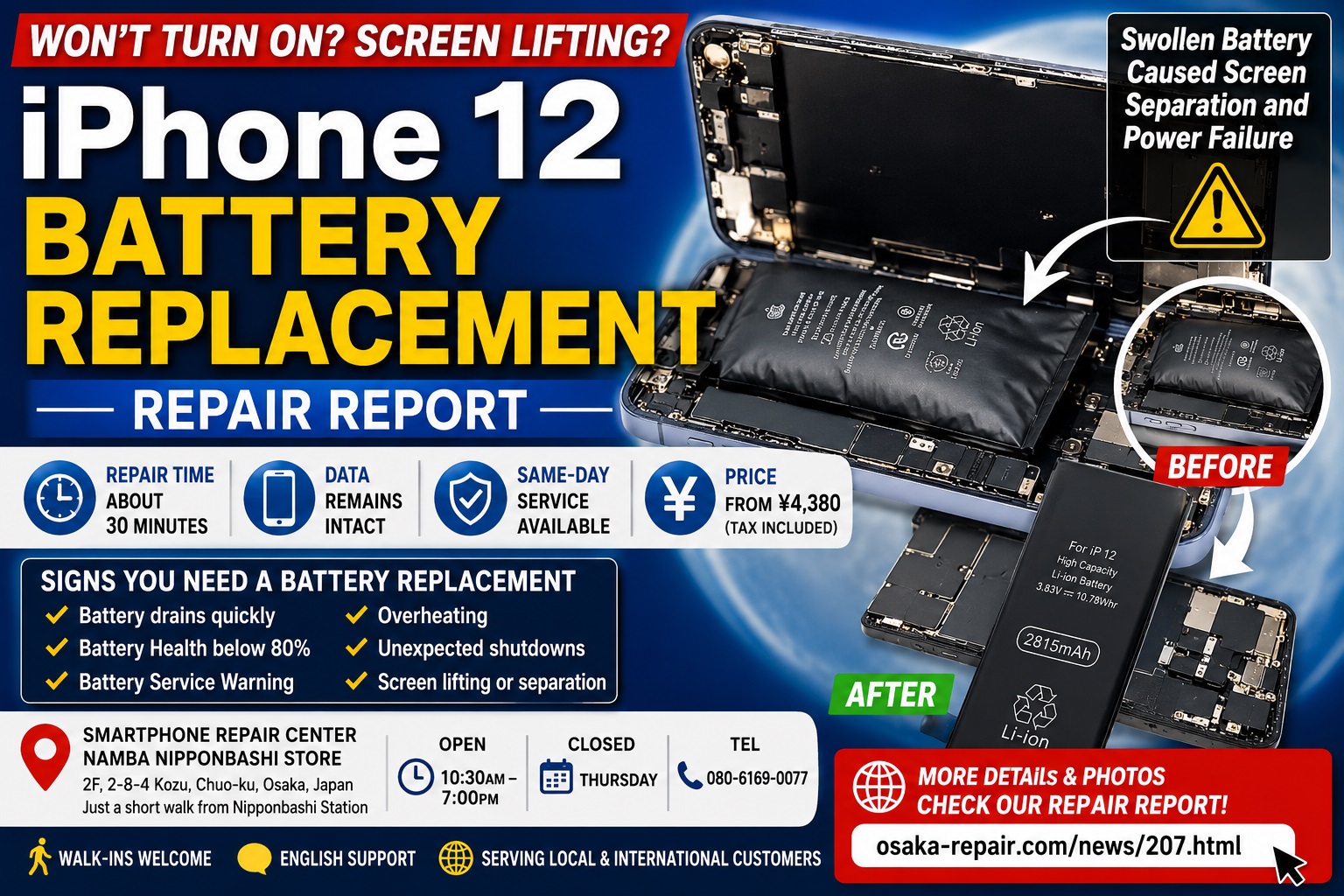
iPhone 12 Battery Replacement Repair Report | Swollen Battery Caused Screen Separation and Power Failure
iPhone 12 Won’t Turn On? A Swollen Battery Could Be the Cause
Hello and welcome to Smartphone Repair Center Namba Nipponbashi Store in Osaka.
Today, we would like to share a recent repair case involving an iPhone 12 that had been left unused for a long period of time.
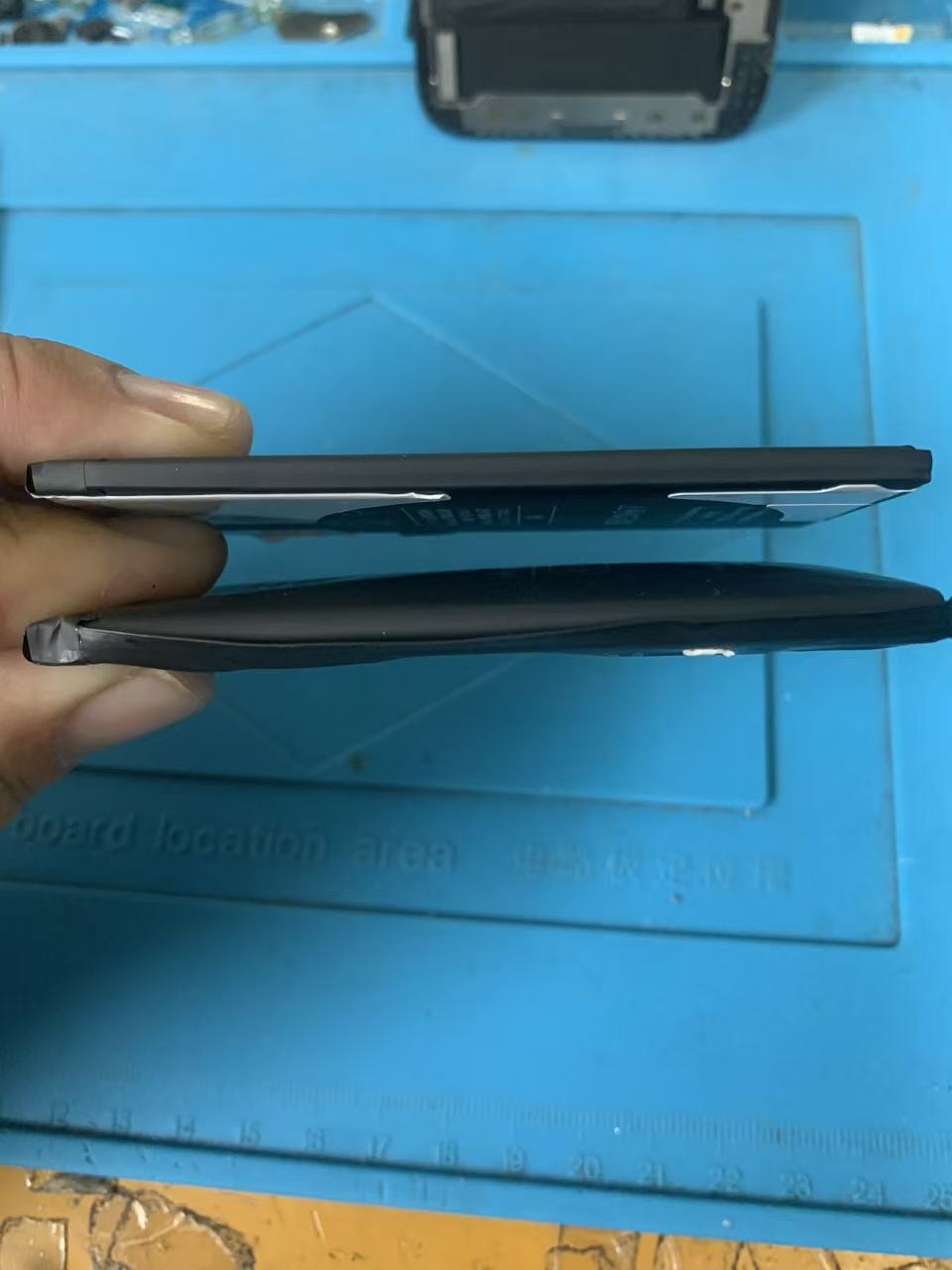
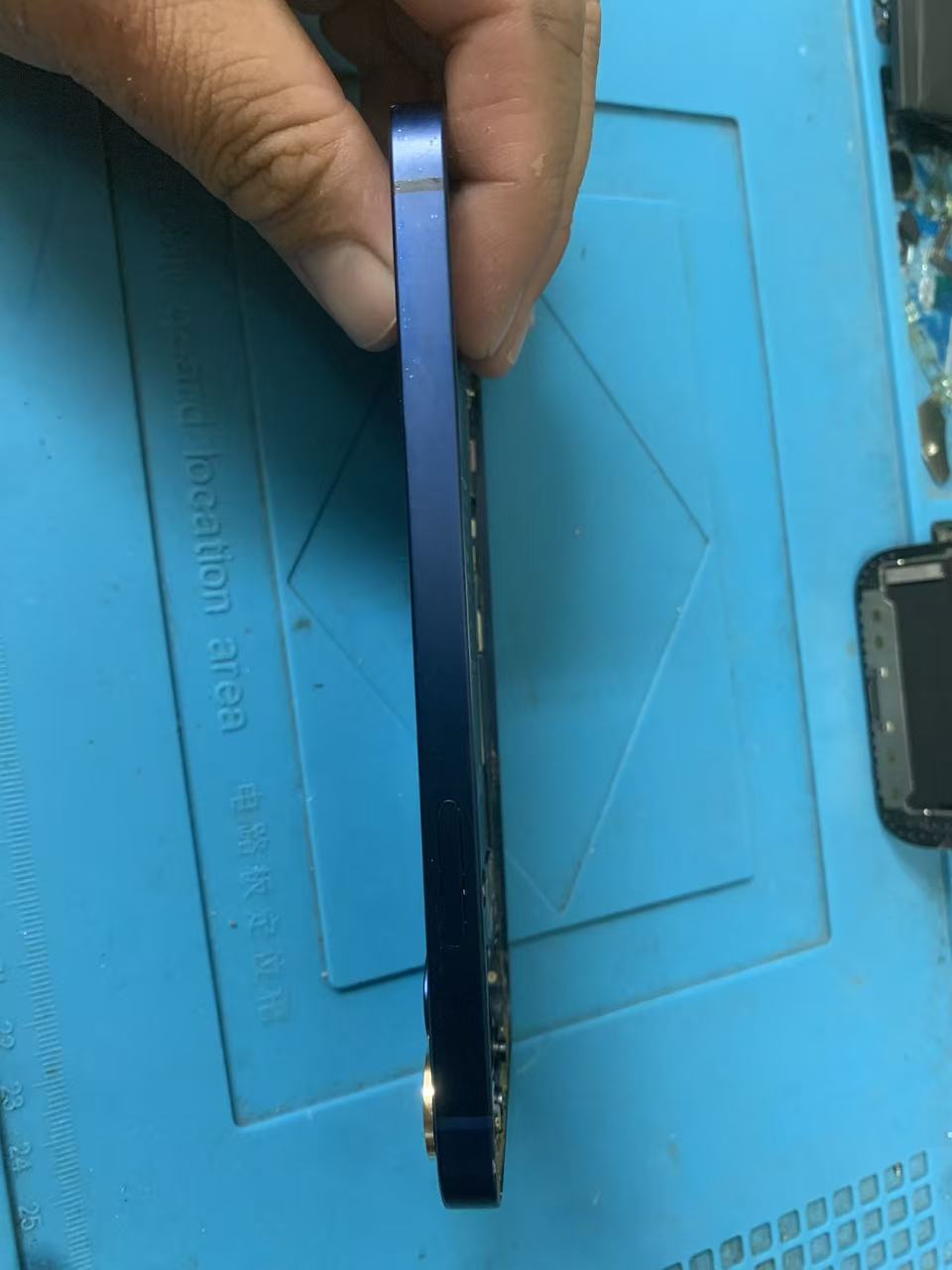
The customer brought in an iPhone 12 that would no longer power on. Upon inspection, we discovered that the battery had swollen significantly, causing the display to separate from the frame.
This is a common issue seen in aging smartphones, especially devices that have been stored without being charged for an extended period.
If your iPhone 12 is experiencing:
Fast battery drain
Battery service warning
Unexpected shutdowns
Overheating
Screen lifting from the frame
Charging issues
Power failure
a battery replacement may be the solution.
Repair Details
Device: iPhone 12
Repair Type: Battery Replacement
Issue:
Device would not turn on
Swollen battery
Display lifting from frame
Repair Time:
Approximately 30 minutes
Repair Cost:
¥4,380 (tax included)
*Price listed at the time this article was published.
Data:
No data loss. The customer's data remained intact.
What Causes an iPhone 12 Battery to Swell?
Lithium-ion batteries naturally degrade over time.
As the battery ages, chemical reactions inside the battery generate gas. This gas can cause the battery to expand and swell.
Battery swelling is more likely when:
The device is several years old
The battery health is significantly degraded
The phone is exposed to high temperatures
The device has been stored for months or years without charging
The battery has experienced excessive charging cycles
In this repair case, the device had been left unused for an extended period, resulting in severe battery deterioration.
Why a Swollen Battery Is Dangerous
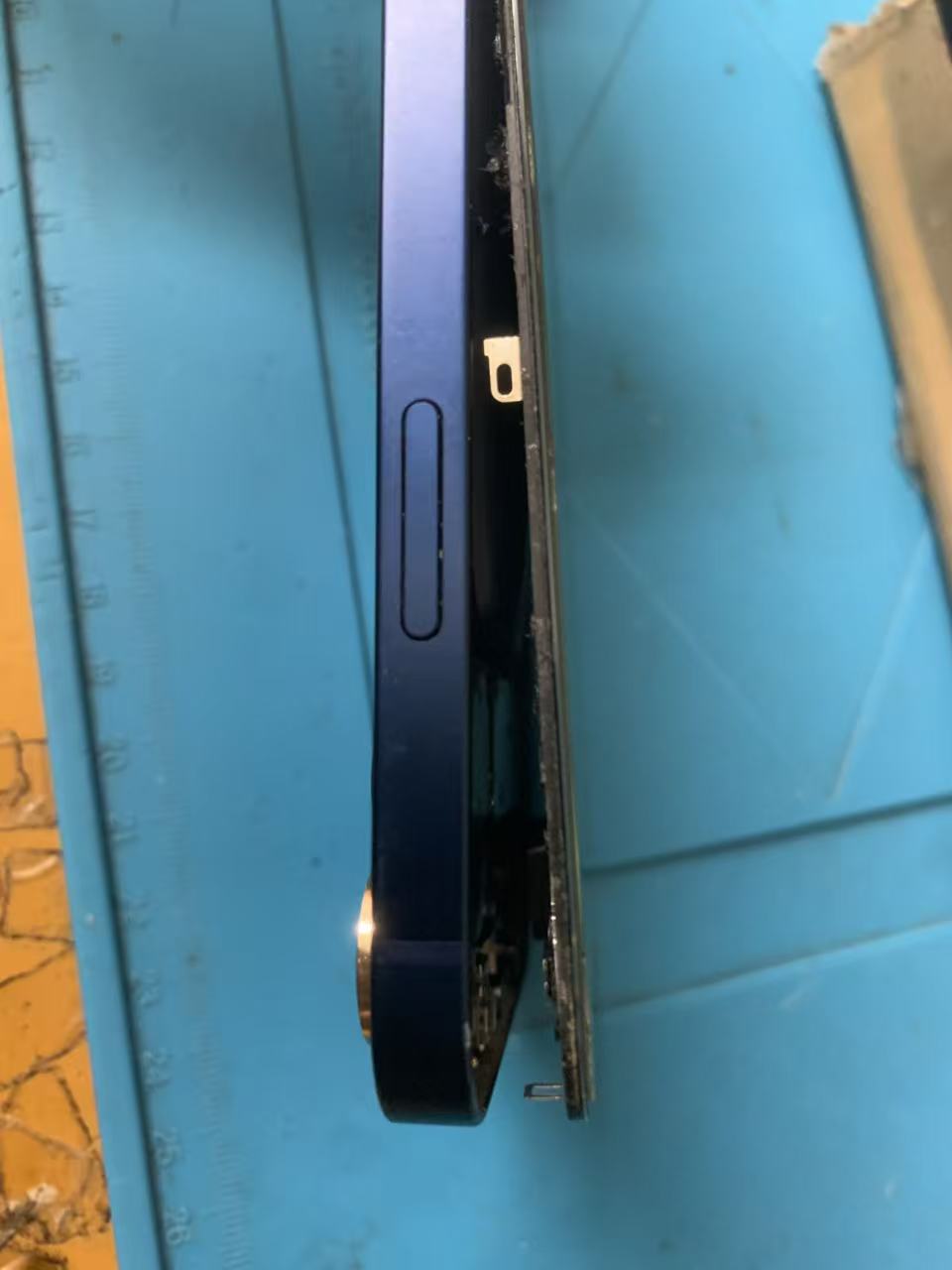
Many users continue using their phone even after noticing the screen separating from the frame.
However, a swollen battery should never be ignored.
Display Damage
As the battery expands, it pushes against the display assembly.
This can lead to:
LCD or OLED damage
Touchscreen malfunction
Screen discoloration
Permanent display failure
Reduced Water Resistance
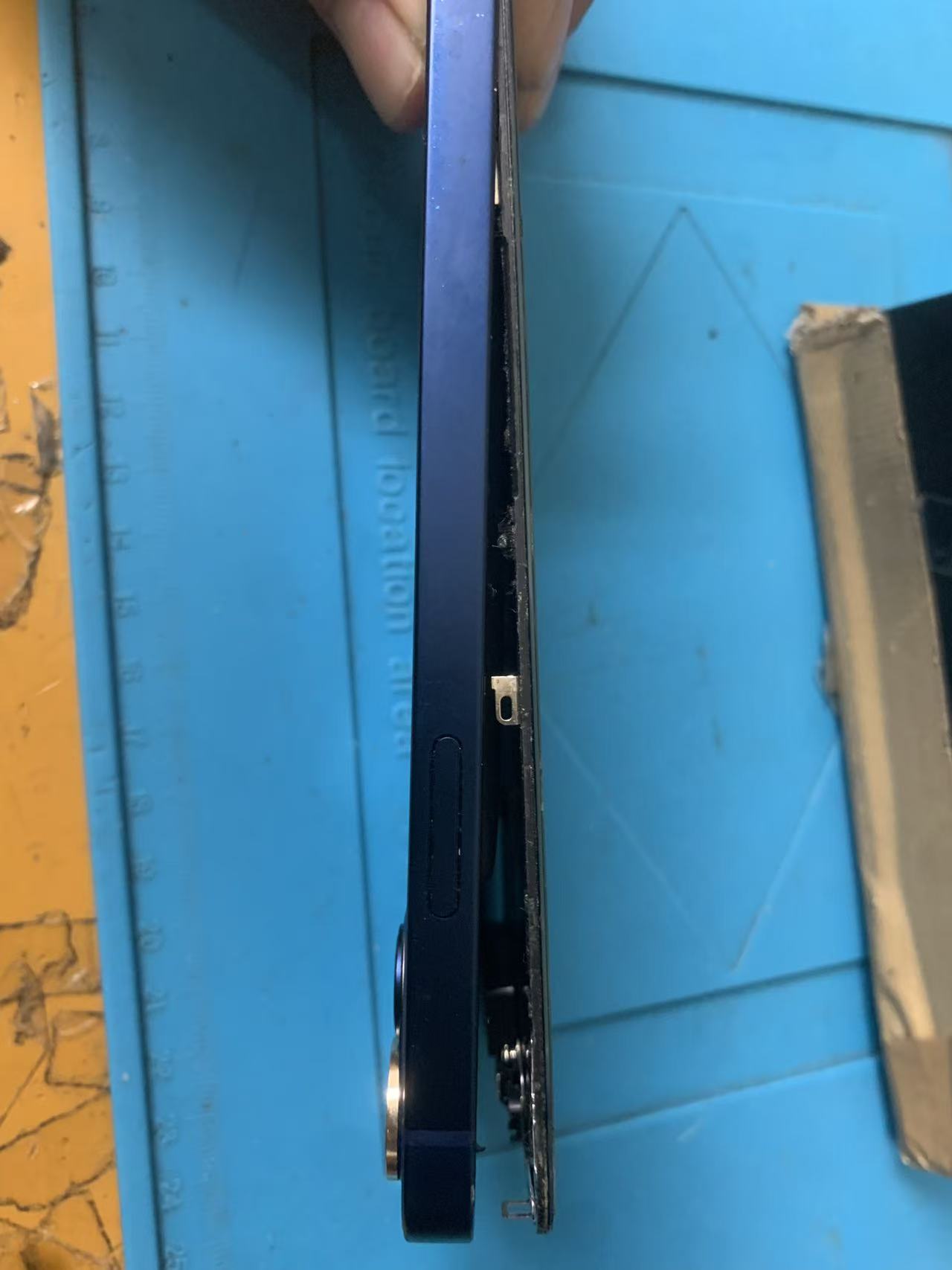
Once the screen separates from the frame, the original seal is compromised.
This increases the risk of:
Moisture intrusion
Dust contamination
Internal corrosion
Fire Hazard
Although rare, damaged lithium-ion batteries may overheat, smoke, or catch fire if punctured or subjected to excessive pressure.
If you notice battery swelling, professional repair is highly recommended.
Repair Process
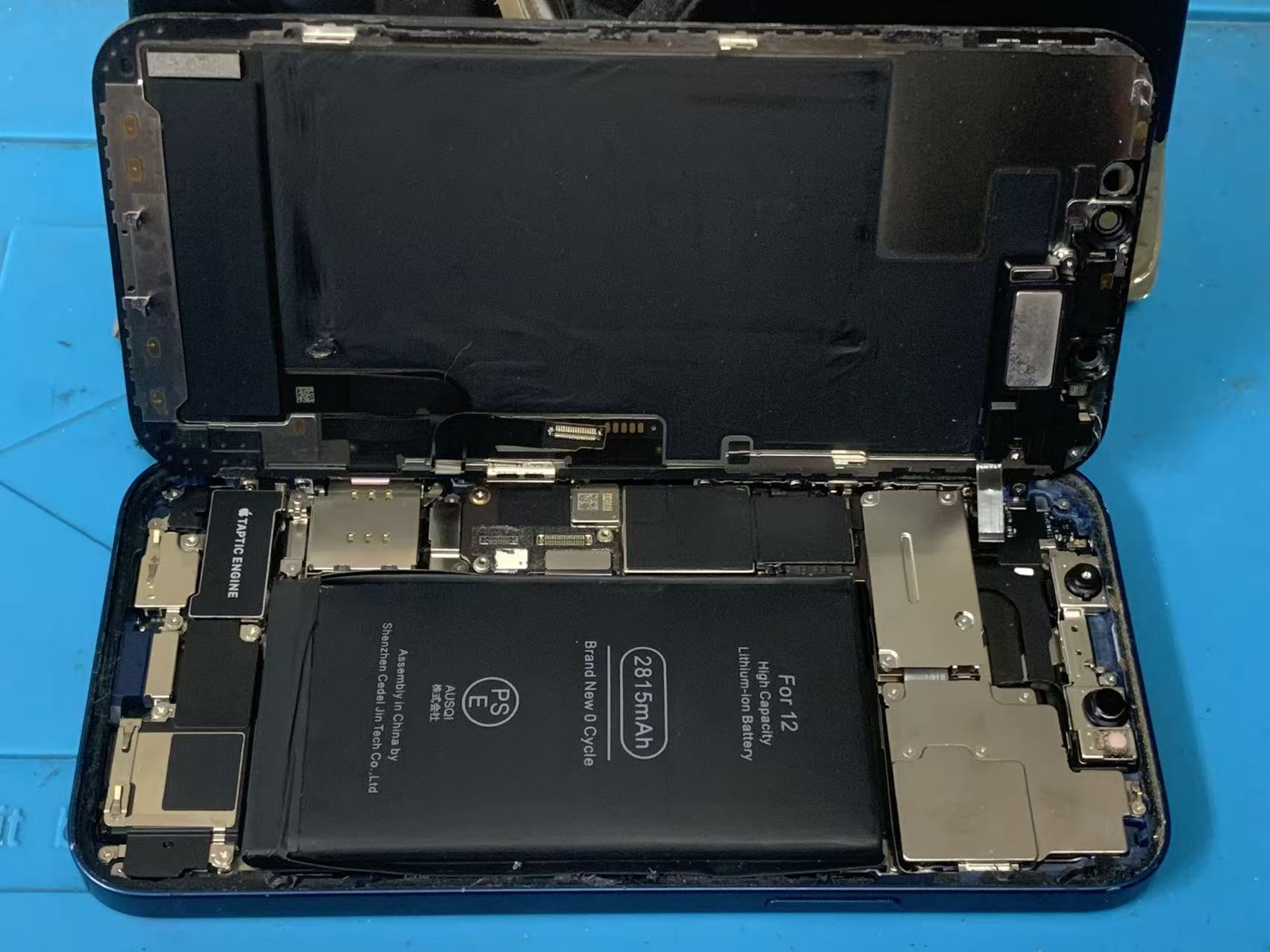
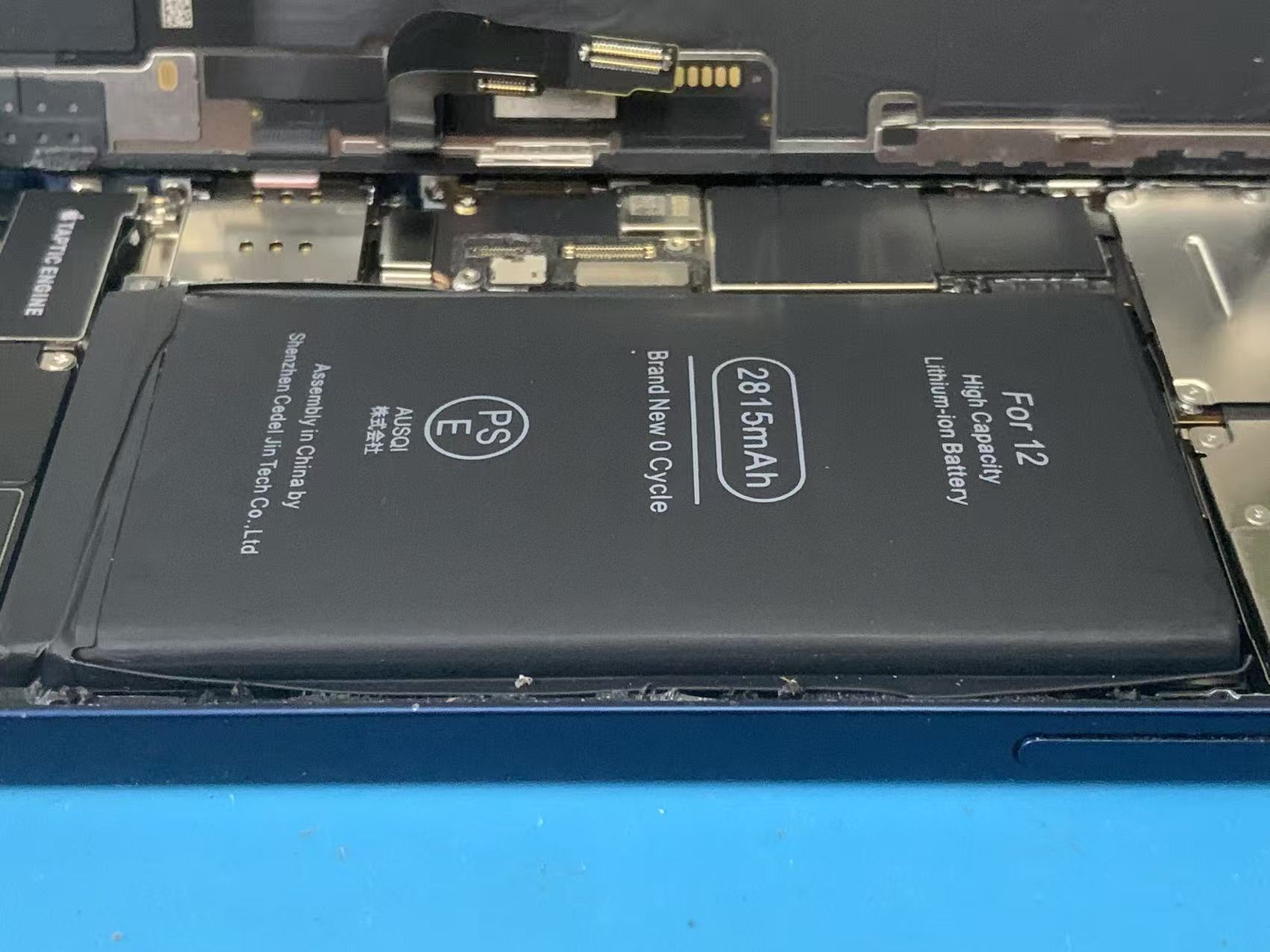
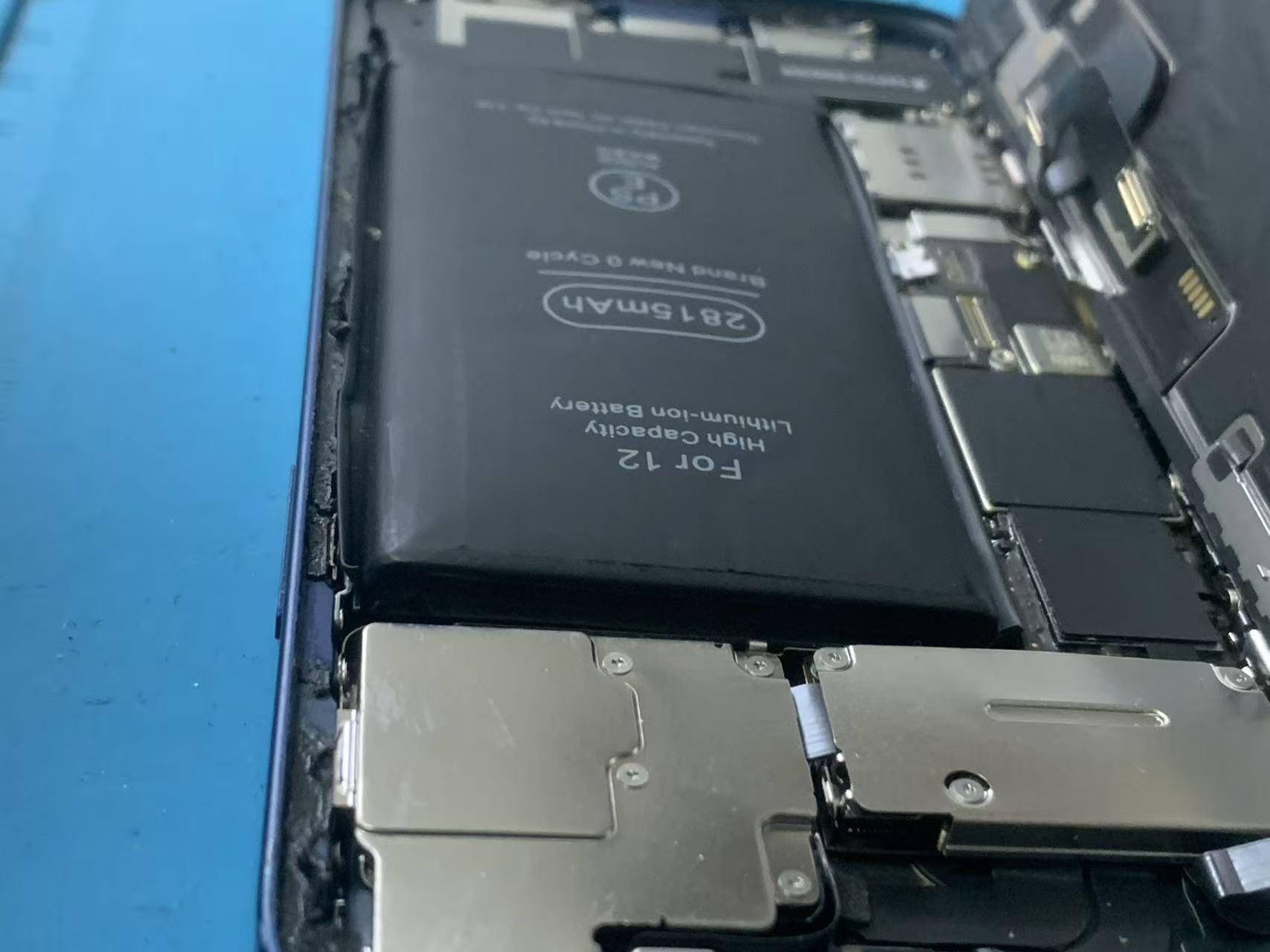
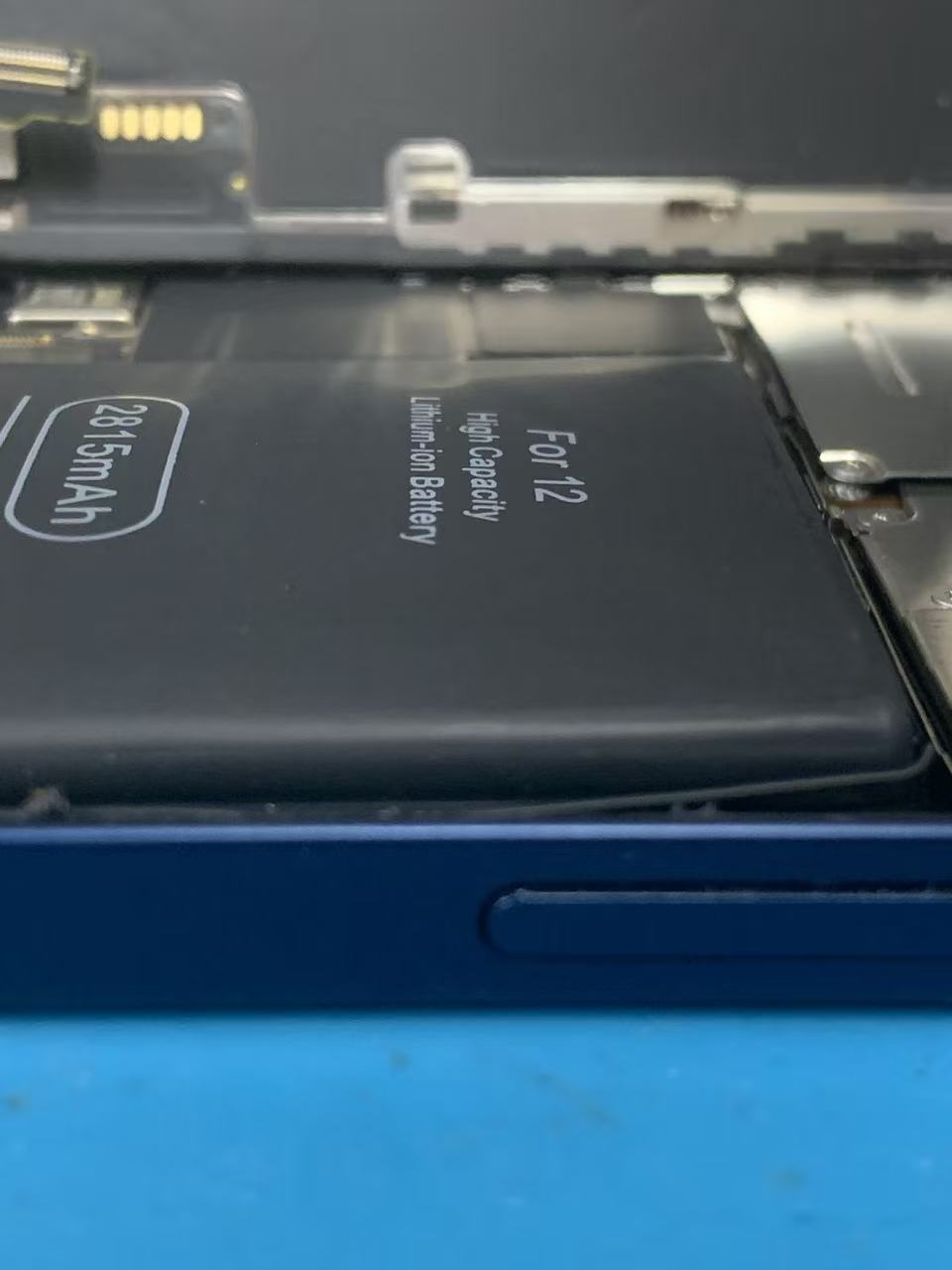
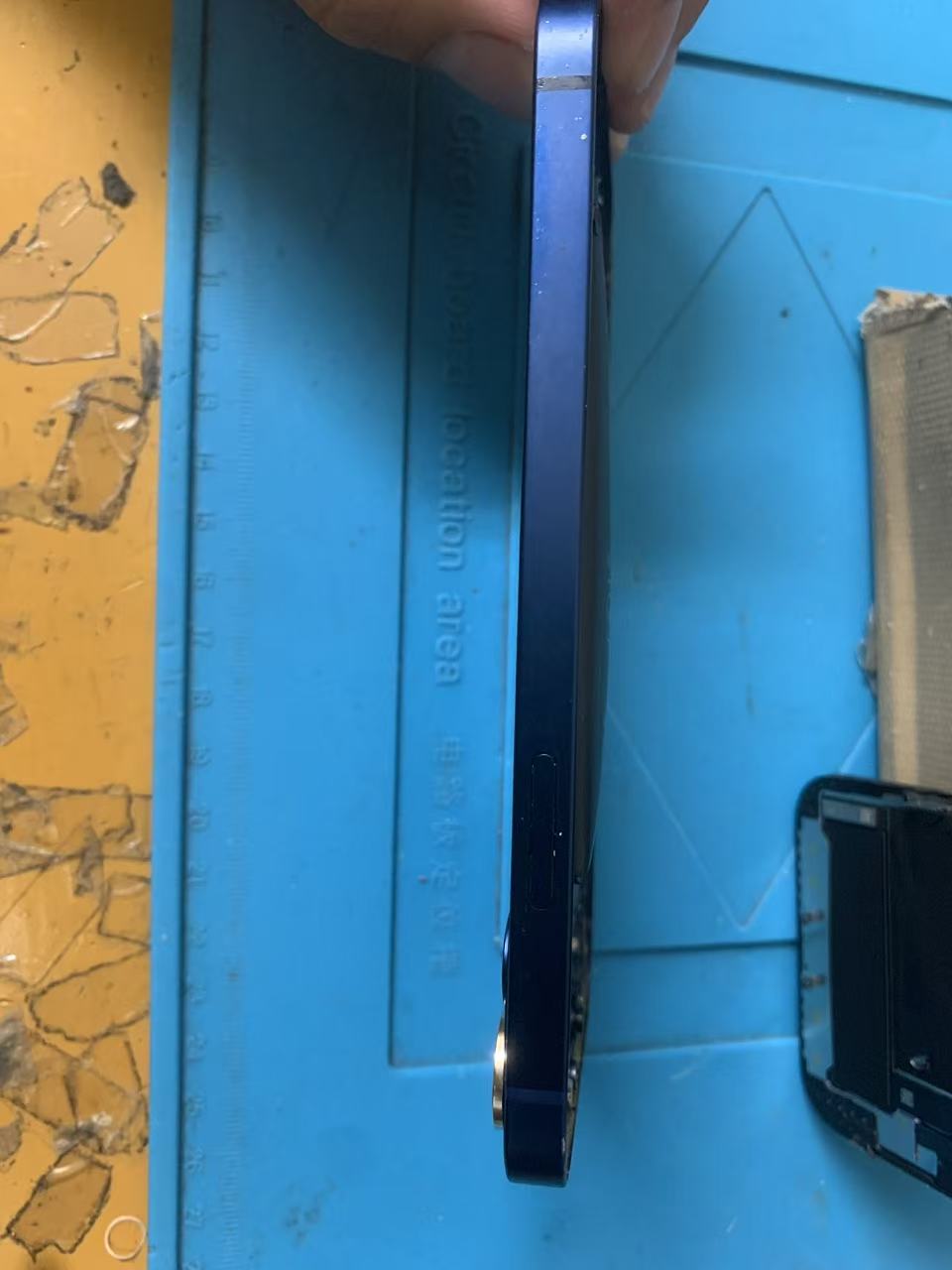
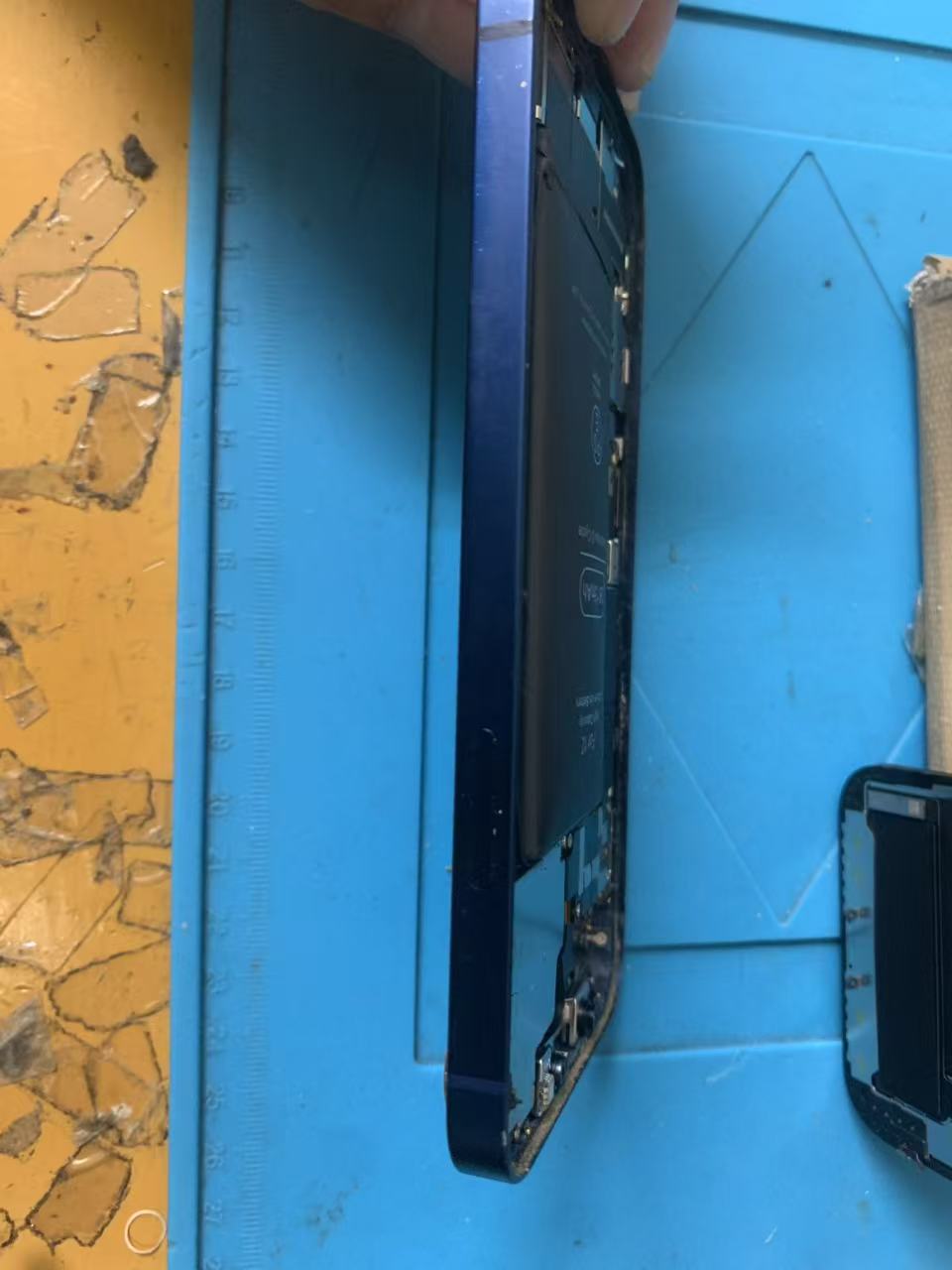
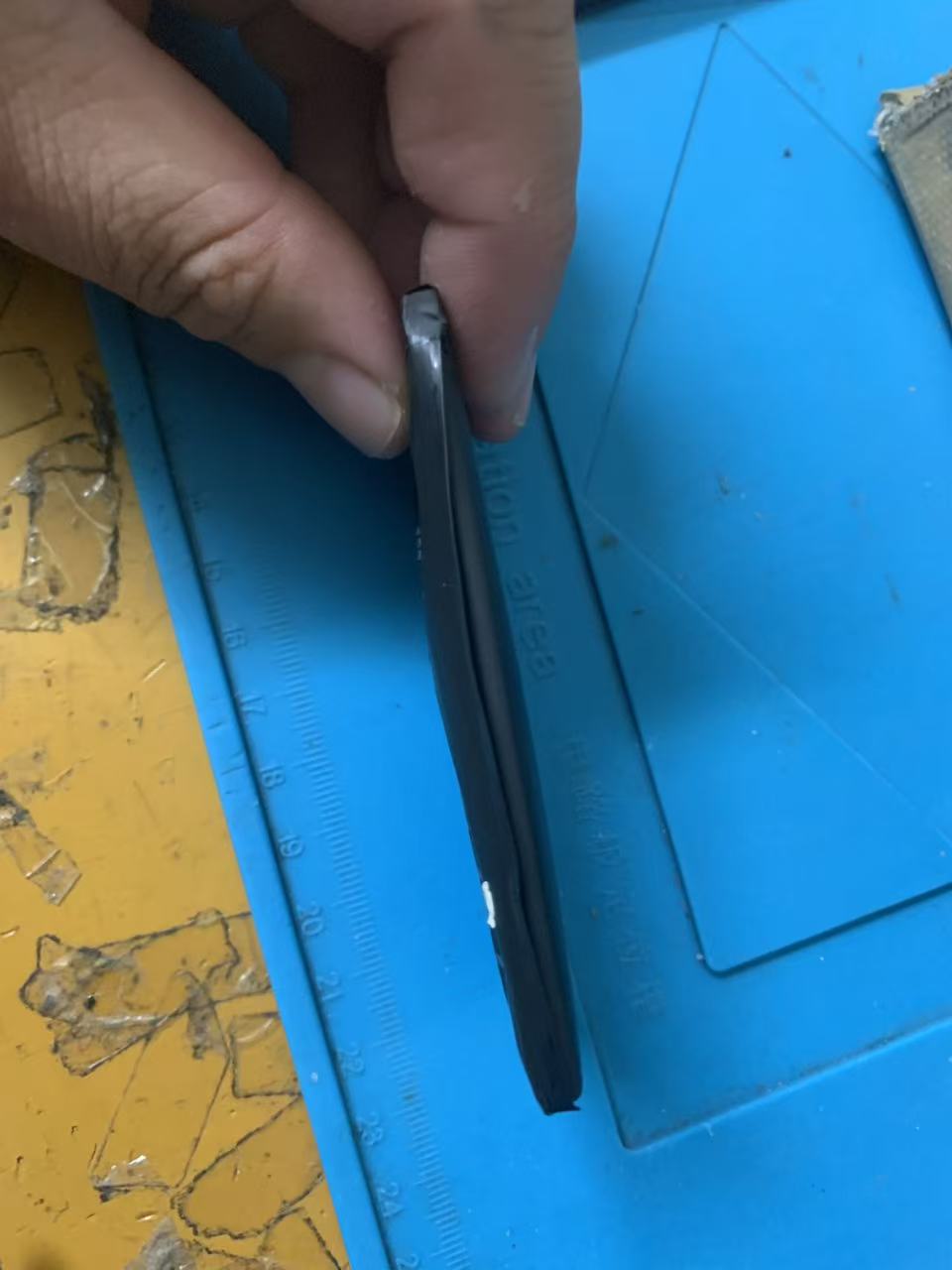
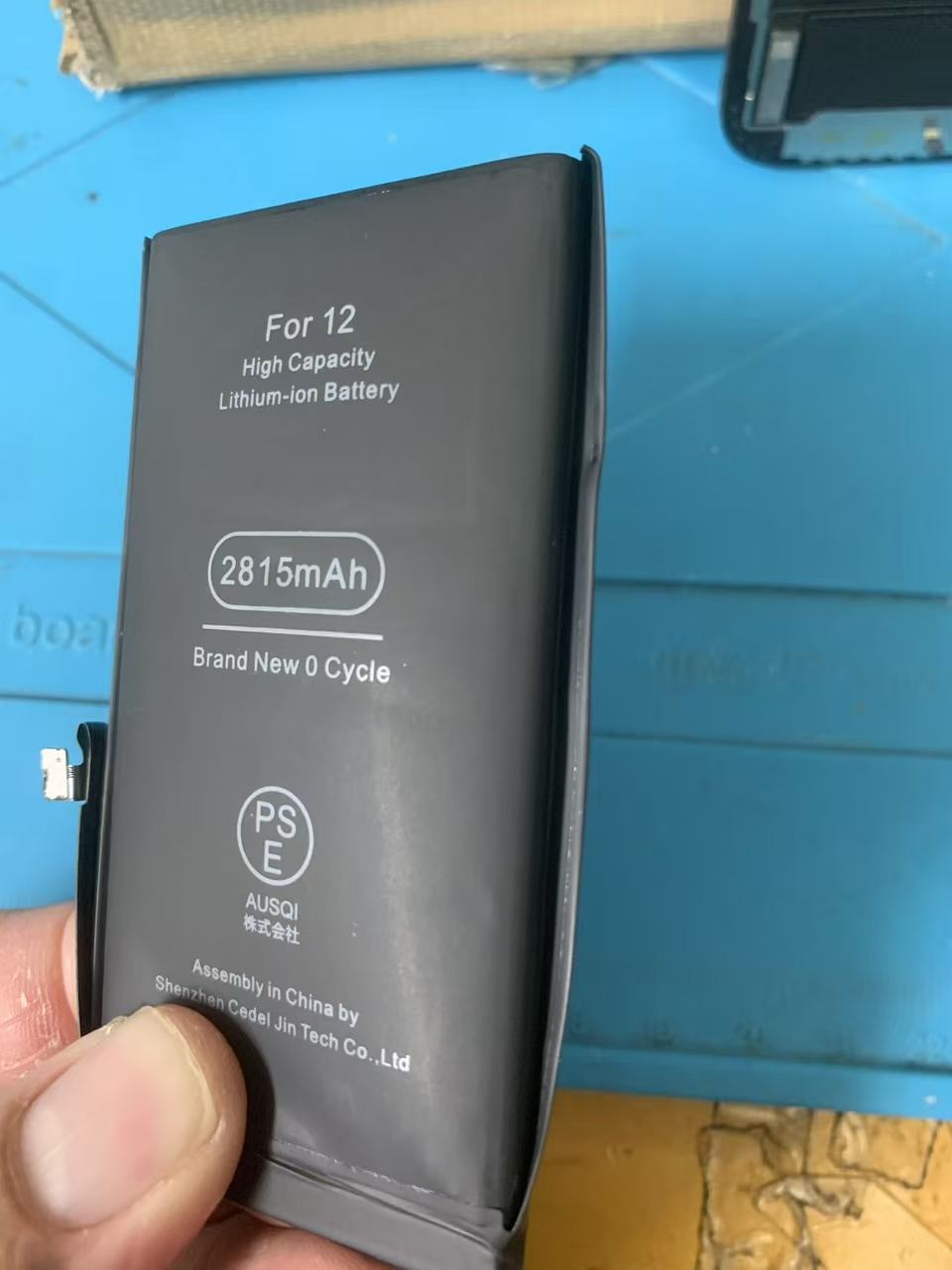
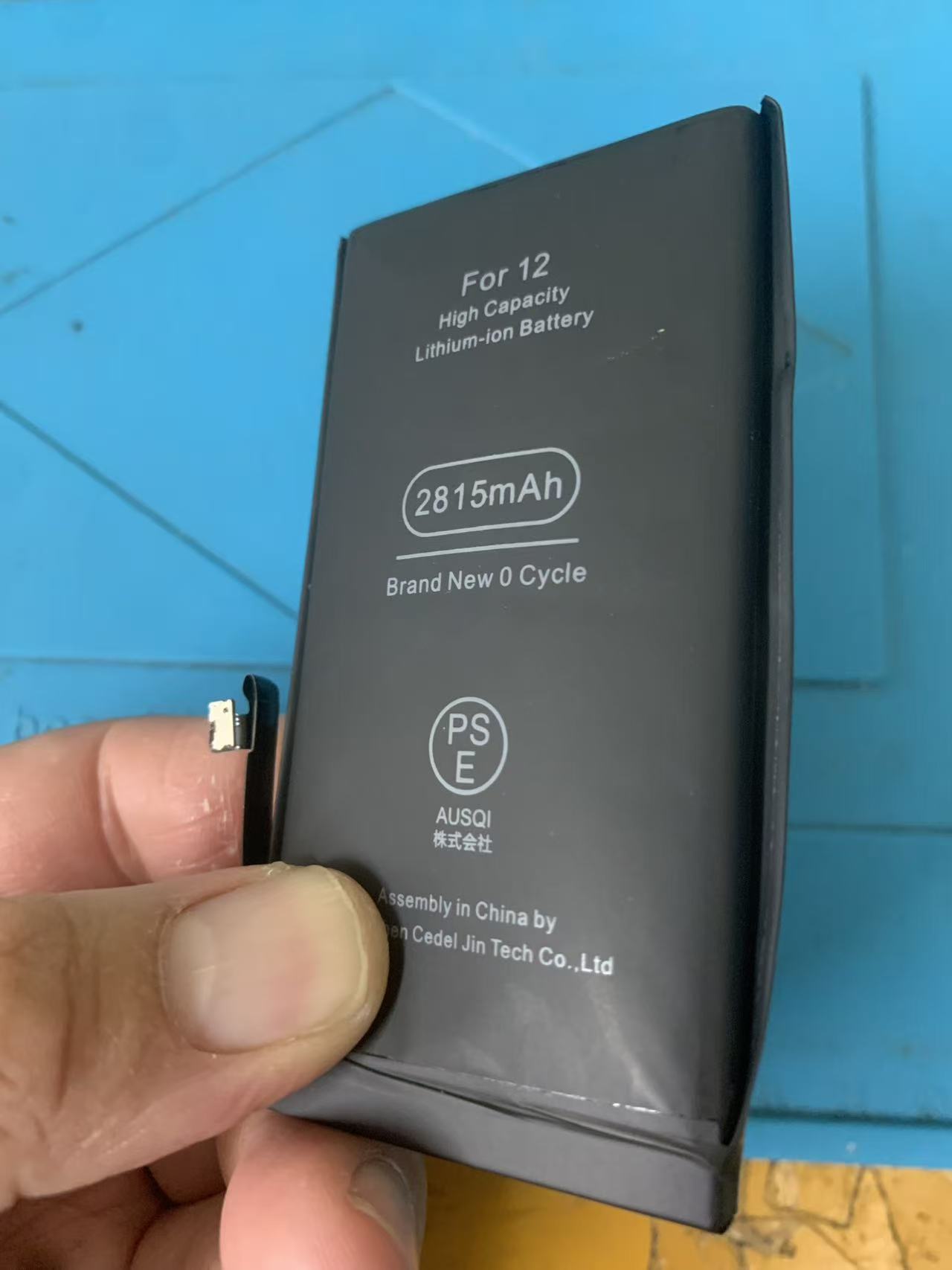
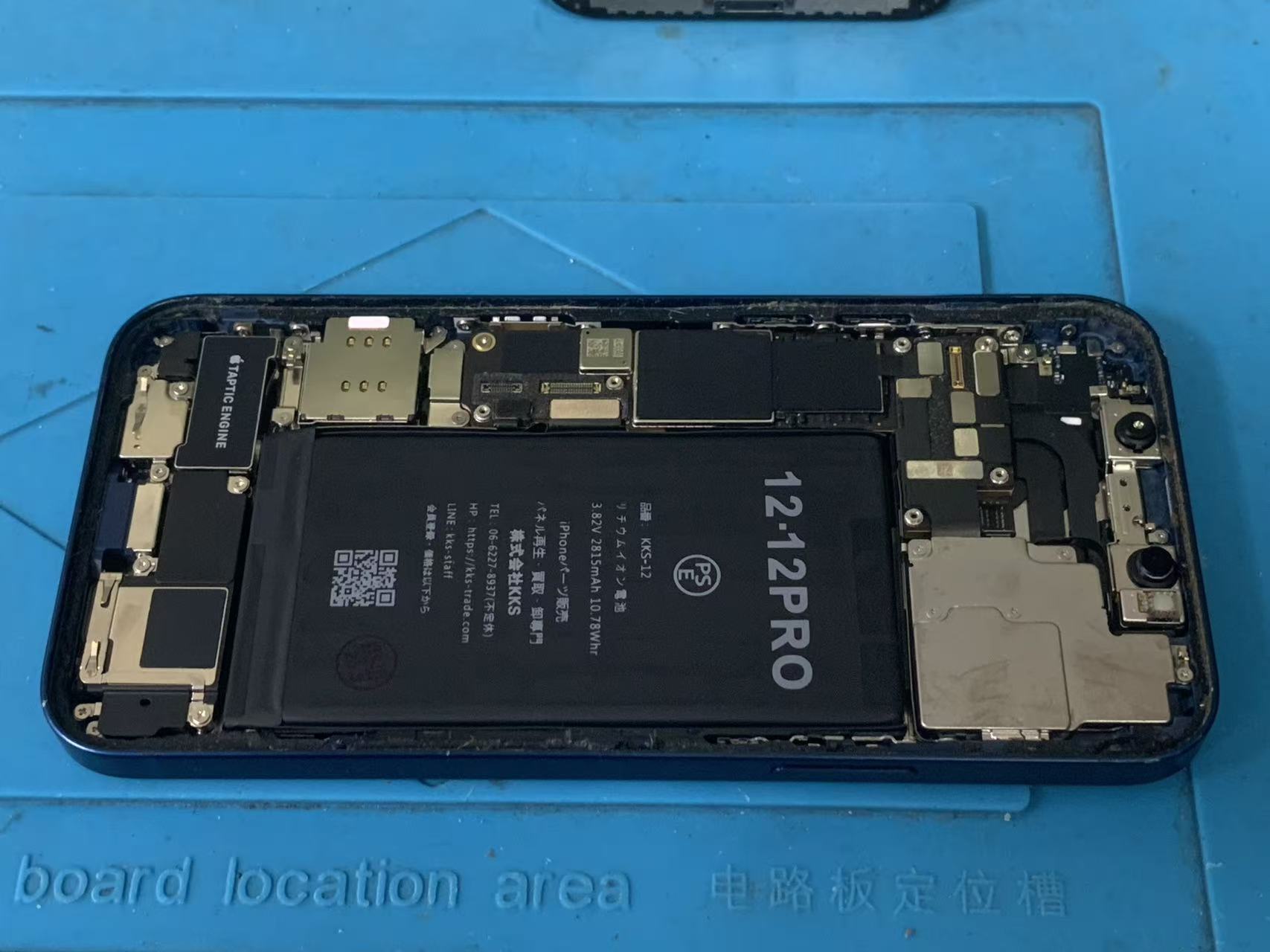
After carefully opening the device, we confirmed that the battery had expanded significantly.
The swollen battery was safely removed and replaced with a high-quality replacement battery.
Because swollen batteries can be hazardous, proper tools and repair techniques are essential during the removal process.
After installation, we performed:
Charging tests
Power tests
Battery diagnostics
Functional checks
The device passed all tests successfully.
Repair Results
Following the battery replacement:
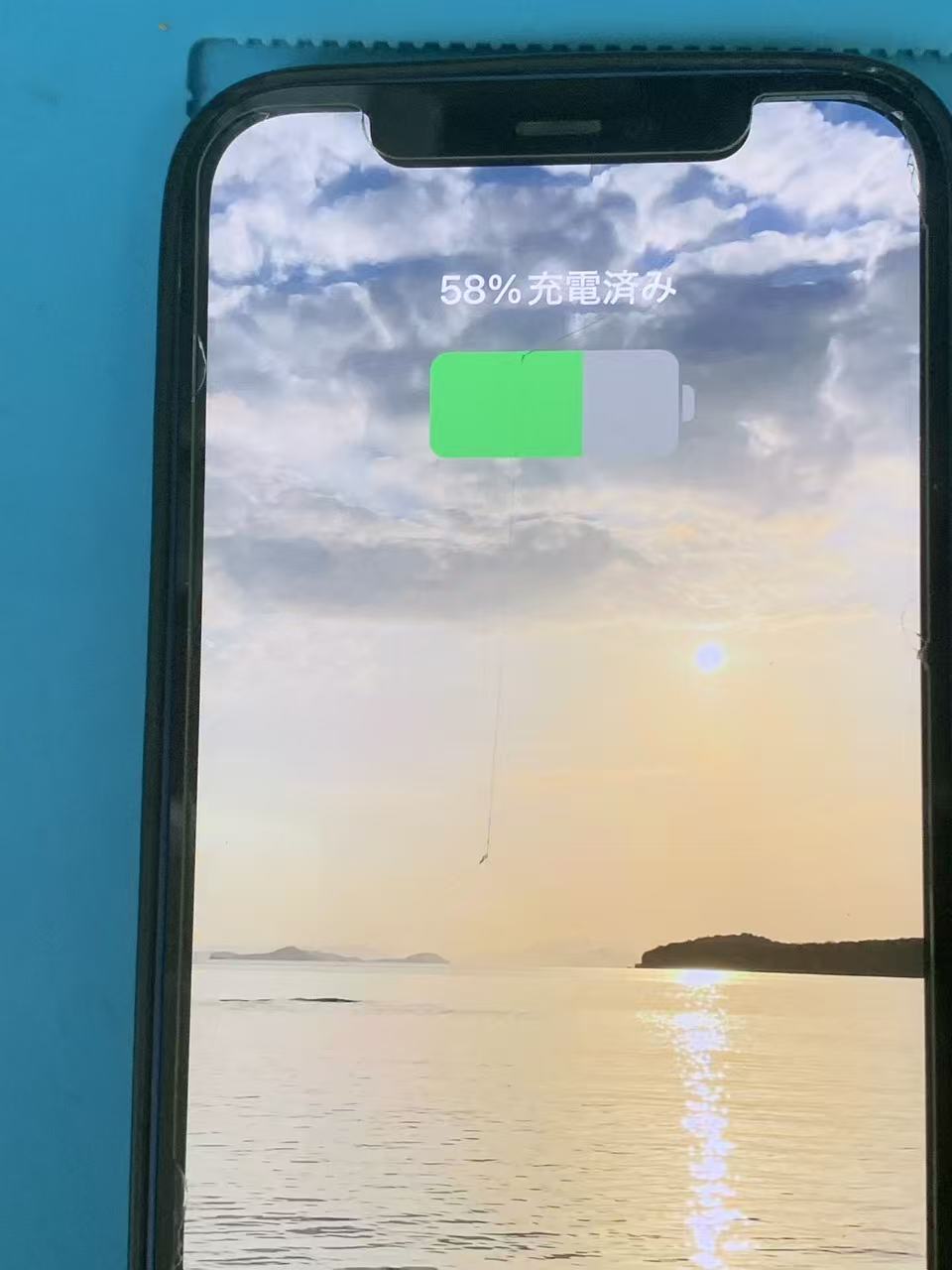
✅ Device powered on normally
✅ Charging function restored
✅ Screen returned to its proper position
✅ Improved battery performance
✅ Stable operation
✅ No data loss
The customer was able to continue using their iPhone 12 without needing to purchase a new device.
Signs Your iPhone 12 Needs a Battery Replacement
Many users wait until the phone completely stops working.
However, replacing the battery earlier can prevent additional damage.
You should consider battery replacement if you notice:
Battery Health Below 80%
Apple generally recommends battery replacement when battery health falls below 80%.
Rapid Battery Drain
If your battery percentage drops unusually fast, the battery may be deteriorating.
Unexpected Shutdowns
A failing battery can cause the phone to turn off unexpectedly, even when battery percentage remains.
Overheating
Excessive heat during charging or regular use can indicate battery degradation.
Battery Service Warning
If your iPhone displays a "Service" message in Battery Health settings, replacement is recommended.
Is It Worth Replacing the Battery on an iPhone 12?
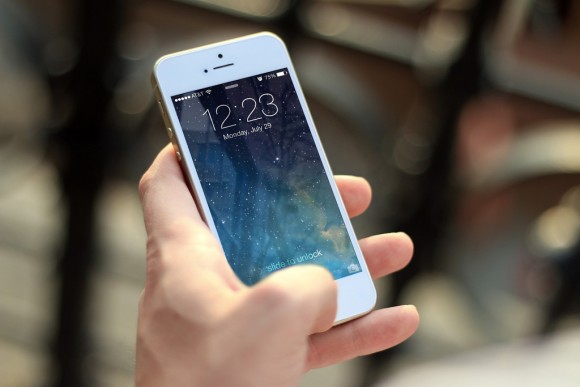
Absolutely.
The iPhone 12 remains a powerful and capable smartphone.
With its A14 Bionic processor, it can still handle:
Social media
Video streaming
Mobile gaming
Photography
Navigation
Online communication
For many users, replacing the battery is significantly more cost-effective than purchasing a new smartphone.
How to Extend Battery Life After Replacement
To maximize the lifespan of your new battery:
Avoid Extreme Temperatures
Keep your device away from direct sunlight and hot environments.
Use Quality Chargers
Use Apple-certified or high-quality charging accessories.
Avoid Constant Charging
Keeping your battery between 20% and 80% can help reduce battery wear.
Store Properly
If storing your device long-term, leave the battery around 50% charged and power it off.
Why Choose Smartphone Repair Center Namba Nipponbashi Store?
We provide fast, reliable smartphone repairs for local residents and international visitors in Osaka.
Our services include:
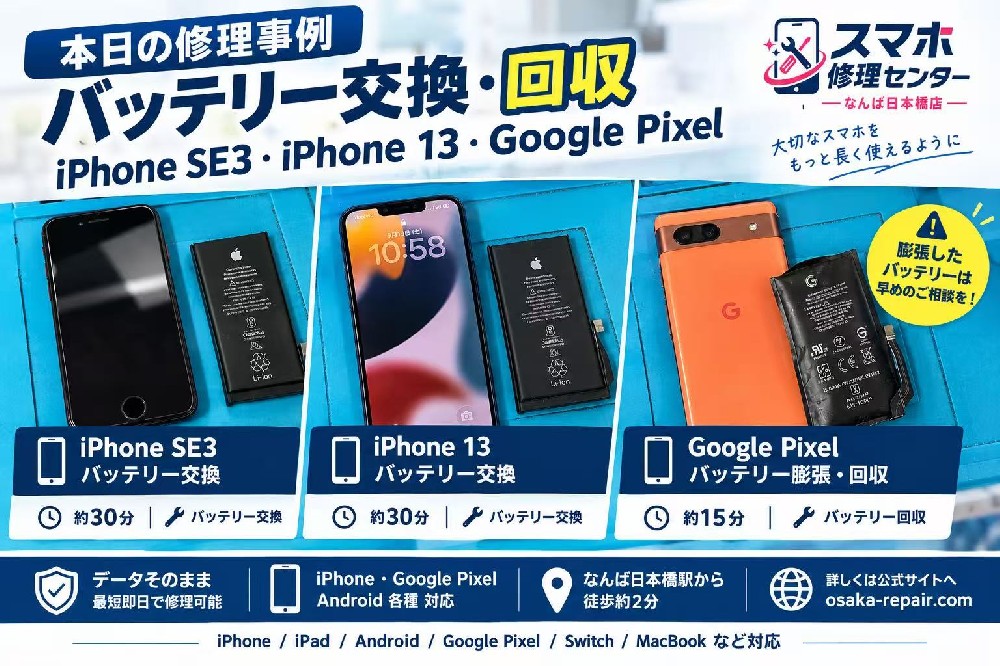
iPhone Battery Replacement
iPhone Screen Repair
Water Damage Repair
Logic Board Repair
Android Repair
iPad Repair
Nintendo Switch Repair
Benefits:
✅ Same-Day Service
✅ Most Repairs Completed Within 30 Minutes
✅ Data Remains Intact
✅ Walk-Ins Welcome
✅ Experienced Technicians
✅ Convenient Location Near Nipponbashi Station
Store Information
Smartphone Repair Center Namba Nipponbashi Store
Address:
2F, 2-8-4 Kozu, Chuo-ku, Osaka, Japan 542-0072
Phone:
080-6169-0077
Business Hours:
10:30 AM – 7:00 PM
Closed:
Thursday
Website:
https://osaka-repair.com/
Conclusion
In this repair case, an iPhone 12 that would not turn on due to a severely swollen battery was successfully restored with a battery replacement.
Battery swelling is a serious issue that should not be ignored. Early repair can prevent further damage and extend the life of your device.
If your iPhone 12 is experiencing battery problems, charging issues, overheating, unexpected shutdowns, or screen separation, contact Smartphone Repair Center Namba Nipponbashi Store today.
We are happy to assist both local customers and international visitors in Osaka with fast, professional smartphone repair services.
How Long Does an iPhone 12 Battery Last?
One of the most common questions we receive from customers is:
"How long should an iPhone 12 battery last before replacement is needed?"
The answer depends on usage habits, charging frequency, and environmental conditions.
Apple designs iPhone batteries to retain up to 80% of their original capacity after approximately 500 complete charge cycles under normal conditions.
For most users, this means the battery may begin showing signs of wear after two to four years of daily use.
Common symptoms of battery aging include:
Rapid battery drain
Reduced screen-on time
Unexpected shutdowns
Charging issues
Battery service warnings
Slower performance
If your iPhone 12 battery health has dropped below 80%, battery replacement is usually recommended.
Replacing the battery can significantly improve daily performance and extend the lifespan of the device.
What Happens If You Ignore a Swollen Battery?
Many users continue using their iPhone after noticing the screen beginning to separate from the frame.
Unfortunately, ignoring a swollen battery can lead to much more expensive repairs.
Display Damage
As the battery expands, pressure builds against the display assembly.
Over time, this can cause:
Screen discoloration
Dead pixels
OLED damage
Touchscreen malfunction
Complete display failure
A simple battery replacement could eventually become a battery and screen replacement if left untreated.
Internal Component Damage
Battery swelling can place stress on internal connectors and components.
In severe cases, it may affect:
Display cables
Face ID components
Charging system
Logic board connections
Repair costs increase significantly when secondary damage occurs.
Safety Risks
Swollen lithium-ion batteries should always be handled carefully.
Although uncommon, damaged batteries may generate excessive heat, release smoke, or become a fire hazard if punctured.
For this reason, professional inspection is strongly recommended.
Should You Replace the Battery or Upgrade Your iPhone?
Many customers ask whether they should replace the battery or purchase a newer device.
For most users, the answer depends on the overall condition of the phone.
If the iPhone 12 is functioning properly aside from battery-related issues, battery replacement is often the most cost-effective solution.
Benefits of battery replacement include:
Lower cost than purchasing a new device
Improved battery life
Better overall performance
Reduced electronic waste
Continued use of a familiar device
The iPhone 12 remains a highly capable smartphone in 2026 and continues to perform well for everyday tasks.
Tips to Maintain Battery Health After Replacement
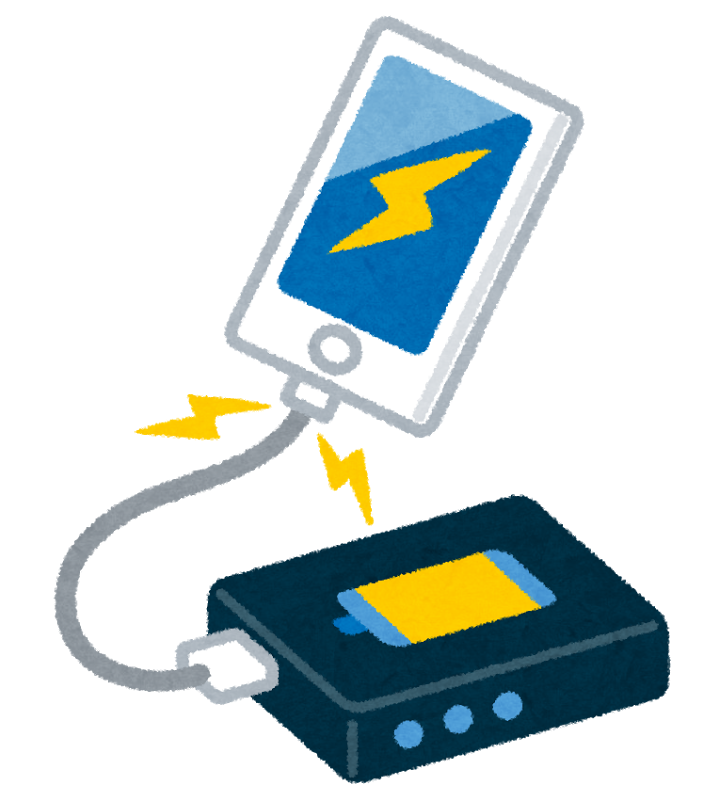
After installing a new battery, proper care can help maximize its lifespan.
Avoid Extreme Heat
Heat is one of the biggest factors contributing to battery degradation.
Avoid:
Leaving the phone in a parked vehicle
Direct sunlight exposure
Using the phone in excessively hot environments
Use Certified Charging Accessories
Low-quality chargers and cables can negatively affect charging performance and battery longevity.
We recommend:
Apple chargers
MFi-certified accessories
Reputable charging brands
Enable Optimized Battery Charging
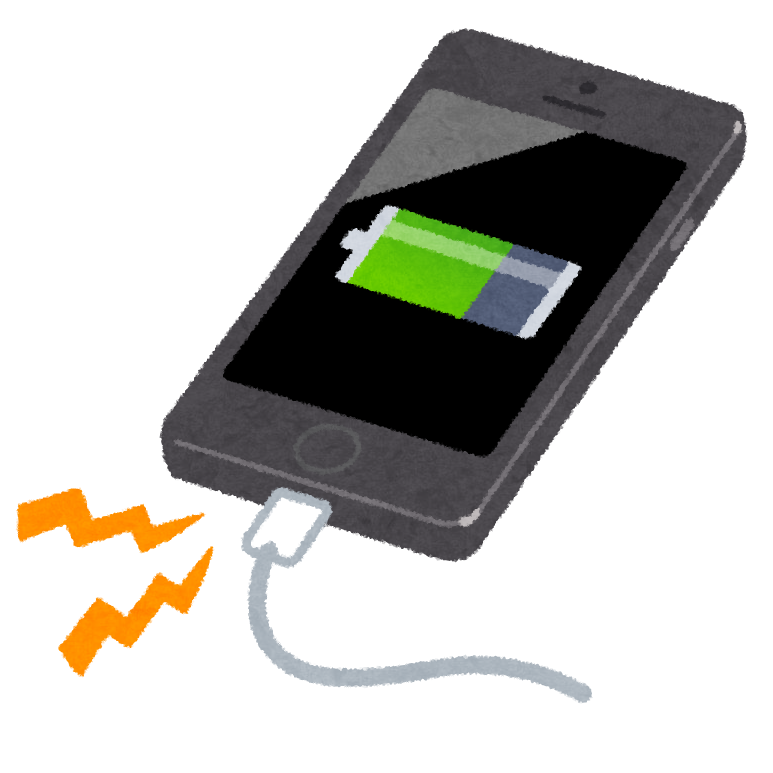
Apple includes a feature called "Optimized Battery Charging."
This feature helps reduce battery aging by learning your charging habits and limiting the amount of time the battery remains fully charged.
You can enable this feature by going to:
Settings
→ Battery
→ Battery Health & Charging
→ Optimized Battery Charging
Keep iOS Updated
Software updates often include battery optimization improvements and performance enhancements.
Keeping your iPhone updated helps ensure the best possible battery management.
Same-Day iPhone Repair for Tourists Visiting Osaka

Our store is conveniently located near Nipponbashi Station and Namba Station, making it easy for international visitors to access our repair services.
Many travelers rely on their smartphones for:
Navigation
Train schedules
Hotel reservations
Translation apps
Mobile payments
Travel photography
A damaged or non-functional iPhone can quickly disrupt travel plans.
That's why we offer fast same-day repairs for both residents and tourists visiting Osaka.
Most battery replacements can be completed in approximately 30 minutes, allowing customers to continue enjoying their trip without unnecessary delays.
English-speaking customers are welcome.
Frequently Asked Questions
Will I Lose My Data During Battery Replacement?
In most cases, no.
Battery replacement does not require deleting personal data, photos, messages, or applications.
However, we always recommend backing up important information whenever possible.
How Long Does Battery Replacement Take?
Most iPhone 12 battery replacements can be completed within approximately 30 minutes.
Repair times may vary depending on store conditions and device condition.
Is an Appointment Required?
Walk-in customers are welcome.
However, making an appointment in advance can help reduce waiting times.
Will Battery Life Improve After Replacement?
Yes.
A new battery typically provides significantly improved battery performance compared to a degraded battery.
Many customers immediately notice:
Longer battery life
Improved stability
Reduced overheating
Better overall user experience
Why International Visitors Choose Our Repair Shop

Every year, Osaka welcomes millions of visitors from around the world.
Our repair shop is trusted by both local residents and tourists because we offer:
Fast same-day service
Affordable pricing
Data-safe repairs
Professional technicians
Convenient location near Namba and Nipponbashi
Support for international customers
Whether you live in Osaka or are simply visiting Japan, we are here to help keep your devices working properly.
If your iPhone 12 is experiencing battery issues, battery swelling, charging problems, or power failures, feel free to visit Smartphone Repair Center Namba Nipponbashi Store.